iPad App
Color Mosaic:
Paint by Number
Relax and paint stunning mosaic art on your iPad. Fill numbered dots with color and watch beautiful artwork come to life.
iPad App
Relax and paint stunning mosaic art on your iPad. Fill numbered dots with color and watch beautiful artwork come to life.
What's Inside
Thoughtfully designed for iPad. Built for relaxation.
Each dot is numbered — just match the color to reveal a beautiful mosaic artwork.
Drag to paint multiple dots at once, or tap to fill individual dots one at a time.
Pinch to zoom in for detailed precision work, drag to pan across the canvas.
Made a mistake? No problem — revert up to 30 steps with a single tap.
Your progress is always saved automatically. Pick up exactly where you left off.
Circles and hexagon mosaics with beautiful color palettes for every unique artwork.
See It in Action
A canvas designed to feel natural and satisfying to paint.
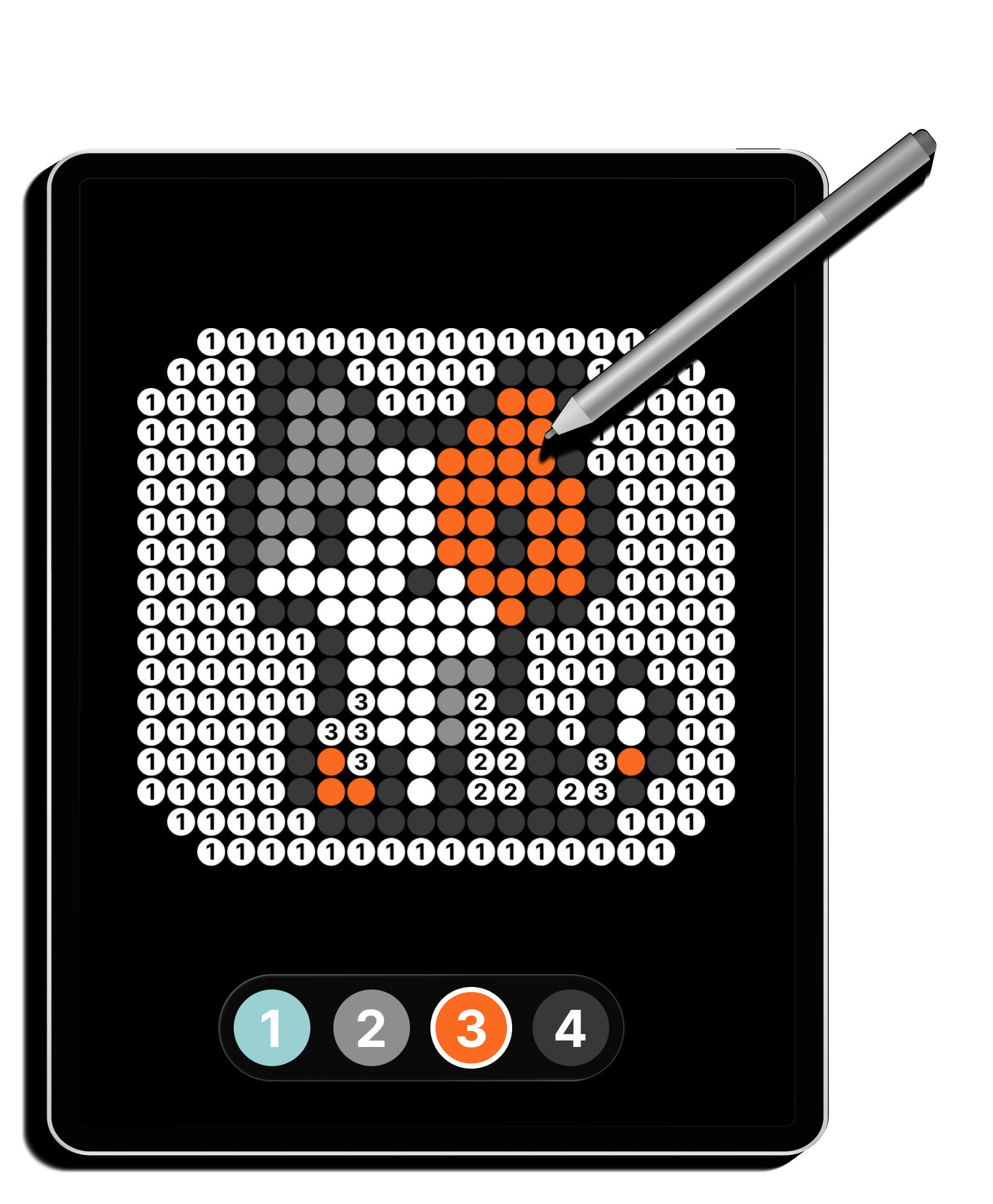
Paint your mosaic
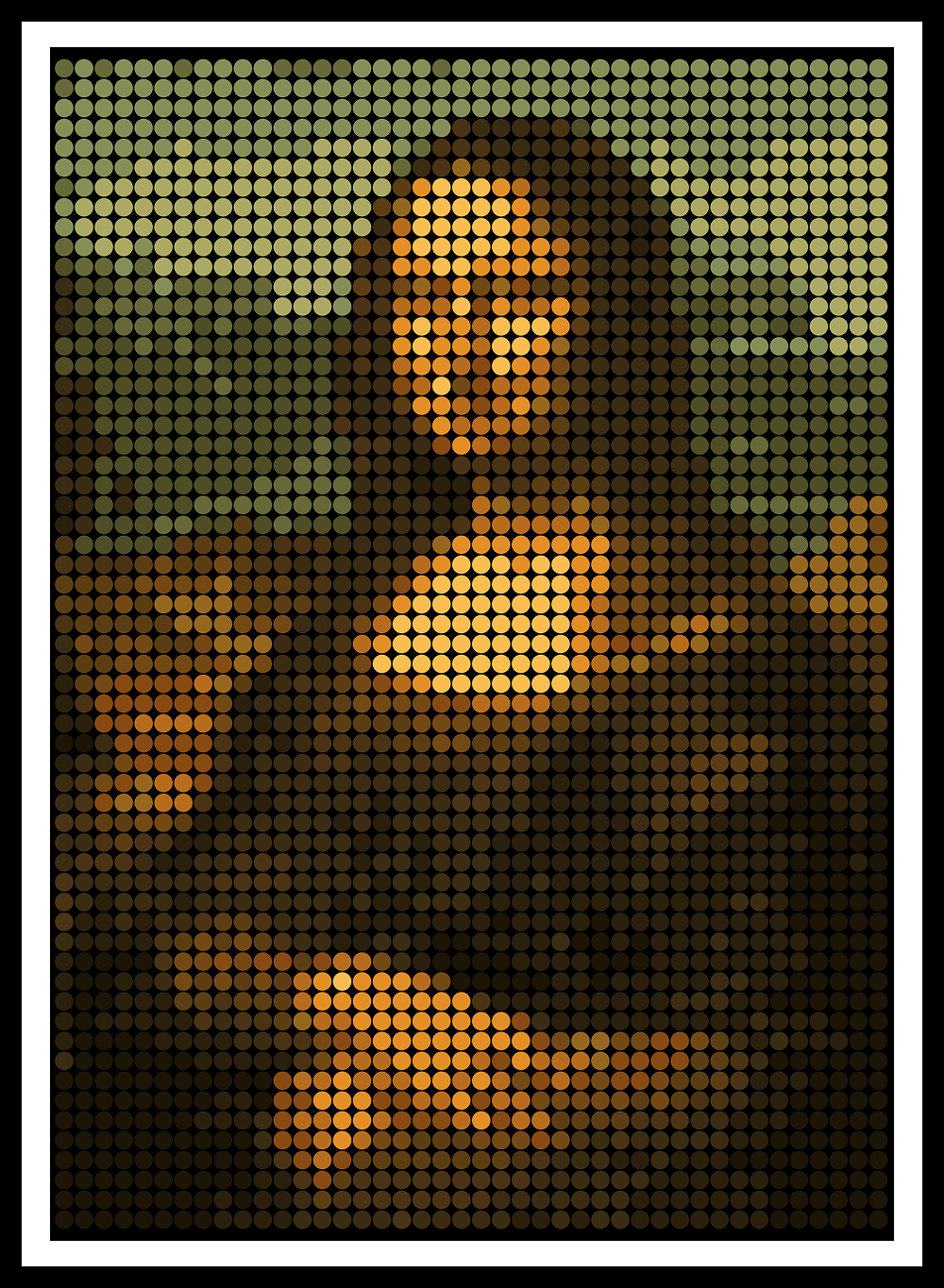
Share your artwork
Help
Quick answers to common questions.
Tap any numbered dot to fill it with the selected color (Fill mode), or drag across multiple dots to paint them at once (Brush mode).
Use the mode toggle in the toolbar at the bottom of the screen.
Yes. Tap the undo button in the toolbar to revert your last action. Up to 30 undo steps are supported.
Yes. Your progress is saved automatically as you paint. You can close the app and return anytime.
Use a pinch gesture to zoom in and out on the canvas. Drag with two fingers to pan.